I’ve been using this add-on for a while now, and I love it. The problem is that a friend who bought it for the same purpose has noticed a bug, or maybe we just don’t know what it is?
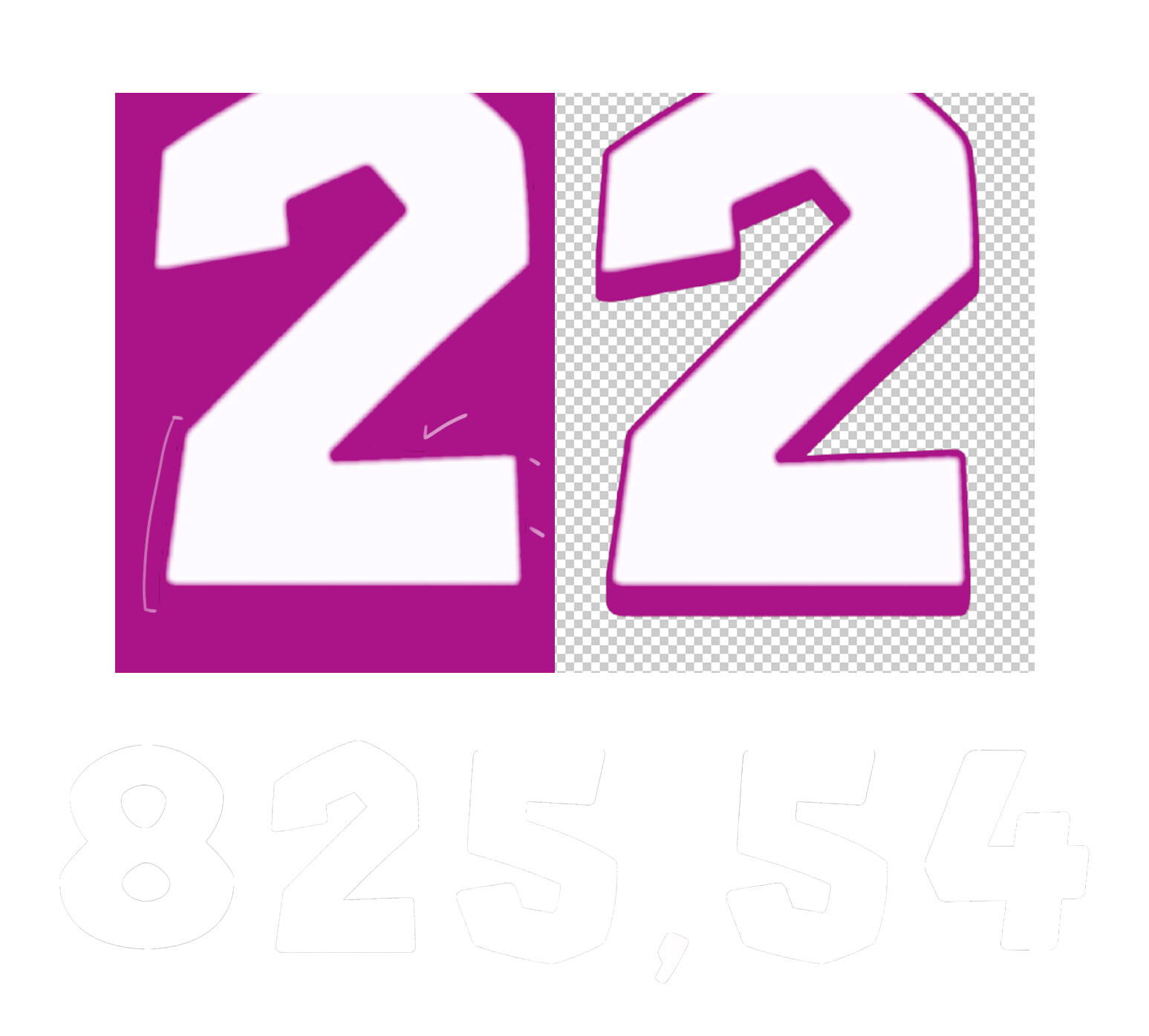
The thing is, when we create fonts and numbers with borders that have a slight gradient, we want to know why that gradient turns black. It’s as if the bitmap we created is being overlaid with a black background to fill in that gradient.
Is it a bug, a way to avoid the gradient, or I don’t know, we don’t understand what’s happening.
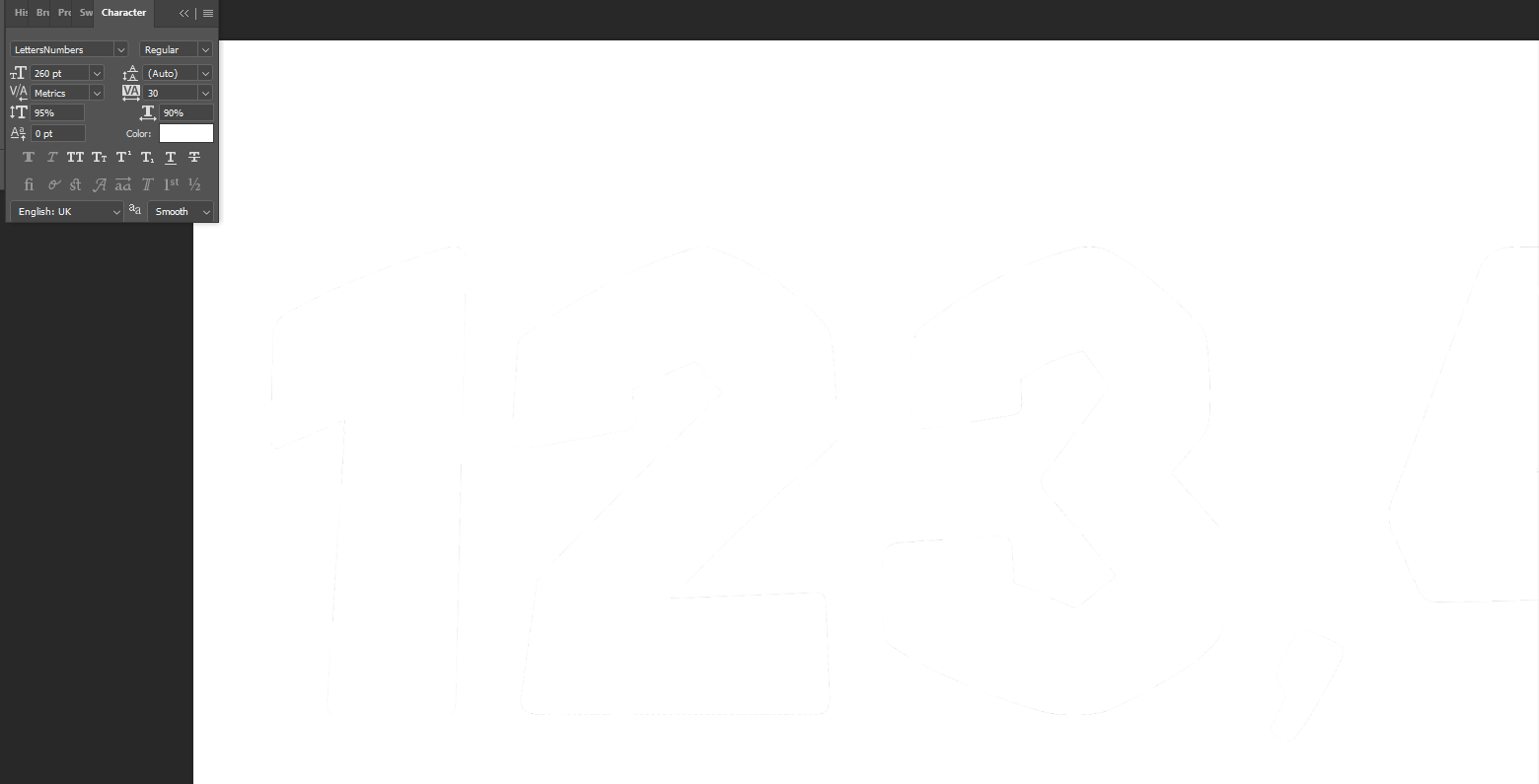
I’ve included some examples below of a font with a pink border on a pink background (with white lines highlighting where those black pixels appear) and another that was white, where you can also see a silhouette of black pixels.
I know the example is a bit contrived, after all, “white text on white text? What’s the point?”, but of course, it’s something I’d like to point out in case there’s a solution or not.
Hey, in what app do you see the black edges? Looks more like a text rendering issue, so could you send the OTF and the source file in which you are using the font?
Hi, I’m currently using Photoshop, but I’m having trouble sending it to you. A pop-up window appears saying that, since it’s a new account, I can’t upload files or anything like that… I don’t know if you could give me an email address so I can send you a WeTransfer with the OTF and .psd files.
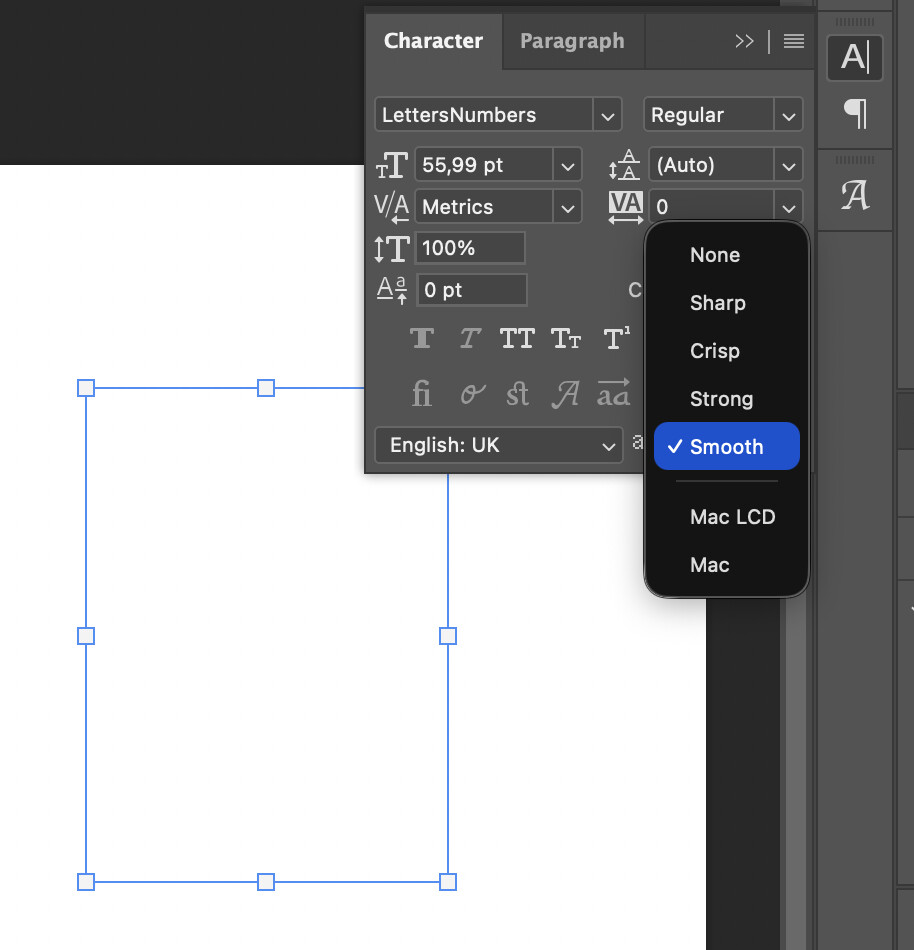
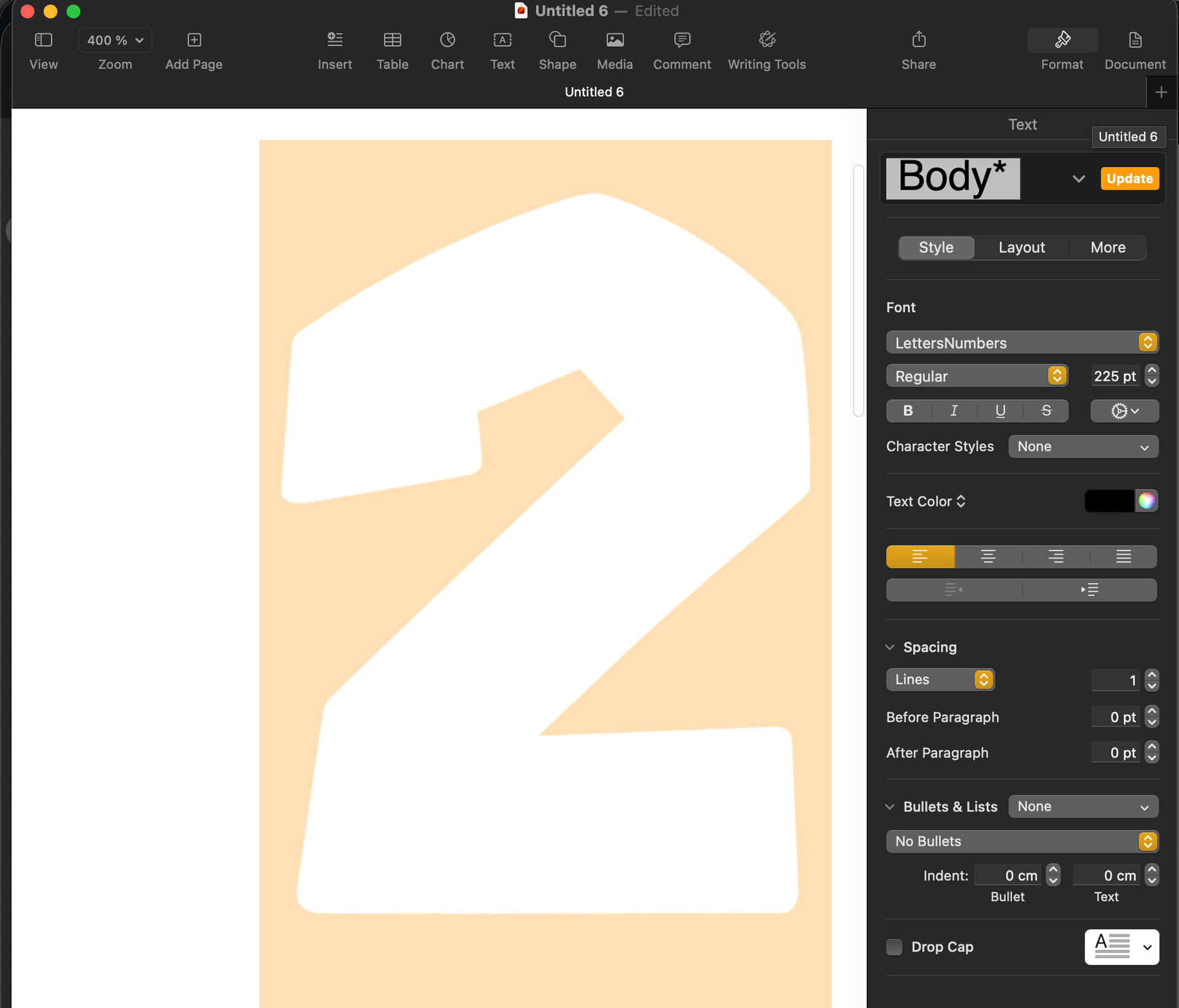
I tried using “smooth,” but it still shows up at 260pt. I tried it at 55pt, like the size you use, and that bug doesn’t appear there. Is this a bug that occurs at a specific size or something like that?
I know it’s a subtle issue, but I’m wondering if there might be a future update to fix this bug or something similar? (Sorry for asking so many questions)